
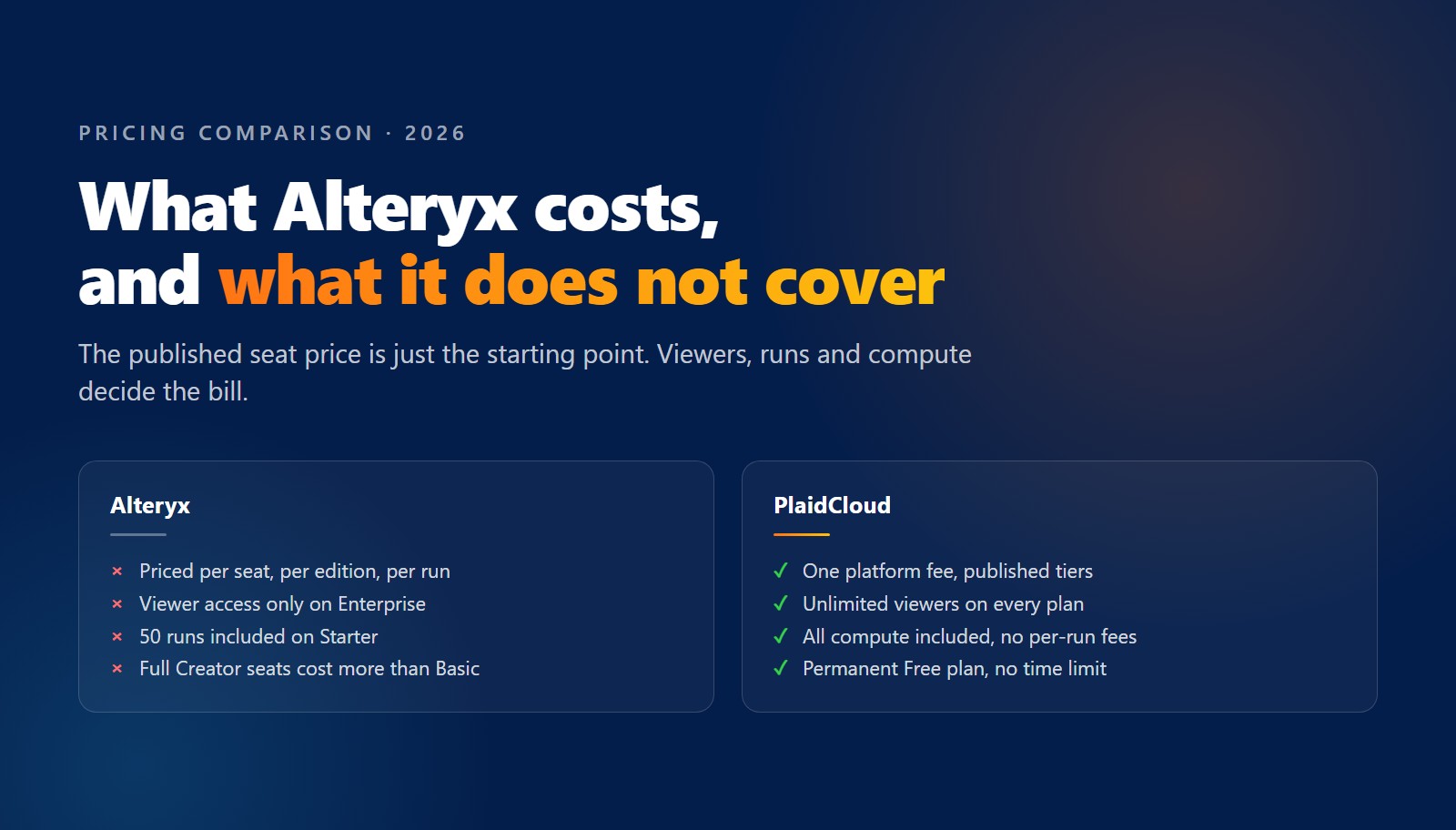
Alteryx publishes exactly one price: $250 per user per month on the Starter edition, billed annually. That is $3,000 per user per year. Professional and Enterprise both say “Contact Sales.”
Most budget conversations start with that figure and go no further, but the seat rate is only the starting point. What decides the bill is who else needs access, how much automation you run, and which edition those two answers push you into.
This is a breakdown of how Alteryx pricing is actually constructed in 2026, what the same team costs on PlaidCloud, and where each platform genuinely comes out ahead. Every Alteryx figure here is from the published Alteryx pricing page. Every PlaidCloud figure is from our own pricing page.
What Alteryx publishes
| Edition | Price | Team size | Seat types | Runs included |
|---|---|---|---|---|
| Starter | $250 / user / month, billed annually | 1 to 10 users | Basic Creators only | 50, purchase additional |
| Professional | Contact Sales | Not stated | Basic and Full Creators | 15,000, purchase additional |
| Enterprise | Contact Sales | Not stated | Basic, Full, and Viewers | 15,000, purchase additional |
Alteryx One bundles Designer, Live Query, App Builder, Agent Studio, Server, Orchestrator and Auto Insights, with which modules you get varying by edition.
There are two things in that table that matter more than the price column.
Starter stops at 10 users. It is not a cheaper way to run a large team. It is a different product tier with a hard ceiling, and crossing it is an edition change, not an extra seat.
Viewers appear only in the Enterprise row. More on that below, because for finance and operations teams it is usually the single largest cost driver.
Alteryx prices on three axes, not one
Most software pricing has one variable: how many people. Alteryx has three, and they multiply.
- Edition. Starter, Professional or Enterprise. This gates which modules you get and which seat types exist.
- Seat type. Viewers, Basic Creators and Full Creators are priced differently. Starter supports Basic only, so the analyst who needs the full toolset is an edition upgrade, not a seat upgrade.
- Run capacity. Starter includes 50 runs. Professional and Enterprise include 15,000. Beyond that, you purchase more.
A quote is the product of all three. This is why two companies with the same headcount can be quoted very different numbers, and why the $3,000 per user figure rarely matches a real deployment.
The 50-run problem
Alteryx counts a run as a workflow, plan or app that executes automatically: on a schedule, through an API, or when a viewer runs an app. Clicking Run in Designer does not count, and neither do validation runs or runs that end in an error.
Fifty of those does not go far once you convert it into a schedule. One workflow refreshed every weekday consumes about 22 runs a month. Refreshed daily, about 30. So the Starter allowance covers one or two scheduled workflows, and every app a viewer runs draws on the same pool.
Automation is usually the reason you bought the tool, and it is metered separately from the thing you were sold. Professional lifts the ceiling to 15,000, which is a realistic number, but Professional is quote-only, so the price of the fix is not published.
Viewer access has a cost
Consider who actually needs to touch a costing model. In most finance and operations teams, a handful of people build and a much larger group reads: controllers, plant managers, business partners, the FP&A team, and the executives who see the output monthly.
On Alteryx, viewer access is an Enterprise feature. On Starter and Professional there is no viewer role at all. That leaves three options, and none of them is free: upgrade the edition, buy creator seats for people who will never create, or fall back to exporting to spreadsheets and email, which undoes the governance you bought the platform for.
Per-seat pricing therefore penalizes adoption. Every additional person who finds the output useful makes the platform more expensive, so the rational move is to limit who sees it. That is the opposite of what a costing or profitability program is supposed to do.
What PlaidCloud costs
| Plan | Price | Builders | Viewers | Runs | Storage |
|---|---|---|---|---|---|
| Free | $0 forever | 1 | Unlimited | 100 / month | 15 GB |
| Starter | $800 / month billed annually ($900 month to month) | 4 | Unlimited | 10,000 / month | 50 GB |
| Team | $5,000 / month billed annually ($6,000 month to month) | 25 | Unlimited | Unlimited | 500 GB |
| Business | Custom | 100 | Unlimited | Unlimited | 5 TB reserved |
| Enterprise | Custom | Unlimited | Unlimited | Unlimited | 5 TB plus multi-region |
There are three properties that matter:
- Viewers are unlimited on every plan, including the free one. Sharing a result with fifty more people does not change the invoice.
- All compute is included. There are no per-query, per-run or other usage charges. The only variable beyond the platform fee is storage overage, billed at $75 per TB on Starter and Team.
- There are no per-user license fees. Plans include a set number of builders, and Enterprise builders are unlimited too.
The same team, priced both ways
A small finance team: 4 builders, 25 viewers, a few daily schedules.
| Alteryx | PlaidCloud | |
|---|---|---|
| Builder seats | 4 x $3,000 = $12,000 / year | Included in Starter |
| Viewers (25) | No viewer role on Starter | Included, unlimited |
| Automation | 50 runs included | 10,000 runs / month |
| Published annual cost | $12,000, viewers unresolved | $9,600 |
PlaidCloud is $2,400 a year lower on seats alone, and the two line items most likely to force an upgrade later, viewers and run capacity, are already covered.
A growing team: 12 builders, 100 viewers, production schedules.
You cannot compare headline numbers here, because Alteryx does not publish one for this shape. Twelve users is past the Starter ceiling, and 100 viewers requires Enterprise. Both are quote-only.
What you can compare is what you know before the call. PlaidCloud Team is $60,000 a year for 25 builders, unlimited viewers and unlimited runs, and that number is on the website. The equivalent Alteryx configuration requires a sales call.
Where Alteryx may still come out cheaper
The crossover is real, and easy to check against your own team.
If you have one to three builders, nobody who needs view-only access, and a handful of scheduled workflows, Alteryx Starter is likely to be cheaper on list price. Three seats is $9,000 a year against $9,600 for PlaidCloud Starter. Two seats is $6,000. At that size, the math favors Alteryx.
There are two things that flip it:
- A single viewer. The moment someone needs to see a result without building it, Alteryx requires an edition change and PlaidCloud requires no change.
- Automation past a couple of workflows. Fifty runs a month is one or two daily schedules.
And at exactly one builder, PlaidCloud’s Free plan is $0 against $3,000, with 100 runs a month and unlimited viewers. That is a real option for a pilot, not a time-limited trial.
What to ask before you renew
Take these to your renewal conversation. They are the questions the published number does not answer:
- How many of our current seats are people who only read the output?
- How many automation runs did we consume last month, and how many of those came from viewers running apps rather than from our own schedules?
- What does the next run tier cost, in writing?
- Which edition are we on, and what triggers a move to the next one?
- What is the renewal uplift, and is it capped?
- If our team grows by five people next year, what is the delta?
Question one is usually the expensive one. Question three is usually the one without a published answer.
The cost of moving
The switching cost is the number most often overestimated. PlaidCloud reads Alteryx .yxmd workflows, .yxwz apps and .yxmc macros directly and converts them into editable PlaidCloud workflows, and it reads .yxdb data files too. You start from a running system rather than a rebuild. That is covered in detail in The Fastest Way Off Alteryx, and the broader ownership picture is in The Real Cost of Alteryx.
If you want the comparison run against your actual seat count, viewer count and run volume rather than an illustrative team, talk to us and we will build it with you. Or start on the Free plan and price it yourself.